AI Chat
AI Chat lets you have conversations with AI models for coding help, test strategy, debugging, and more.
Note: AI Chat is a feature-gated capability. Your organization admin must enable it for your account.
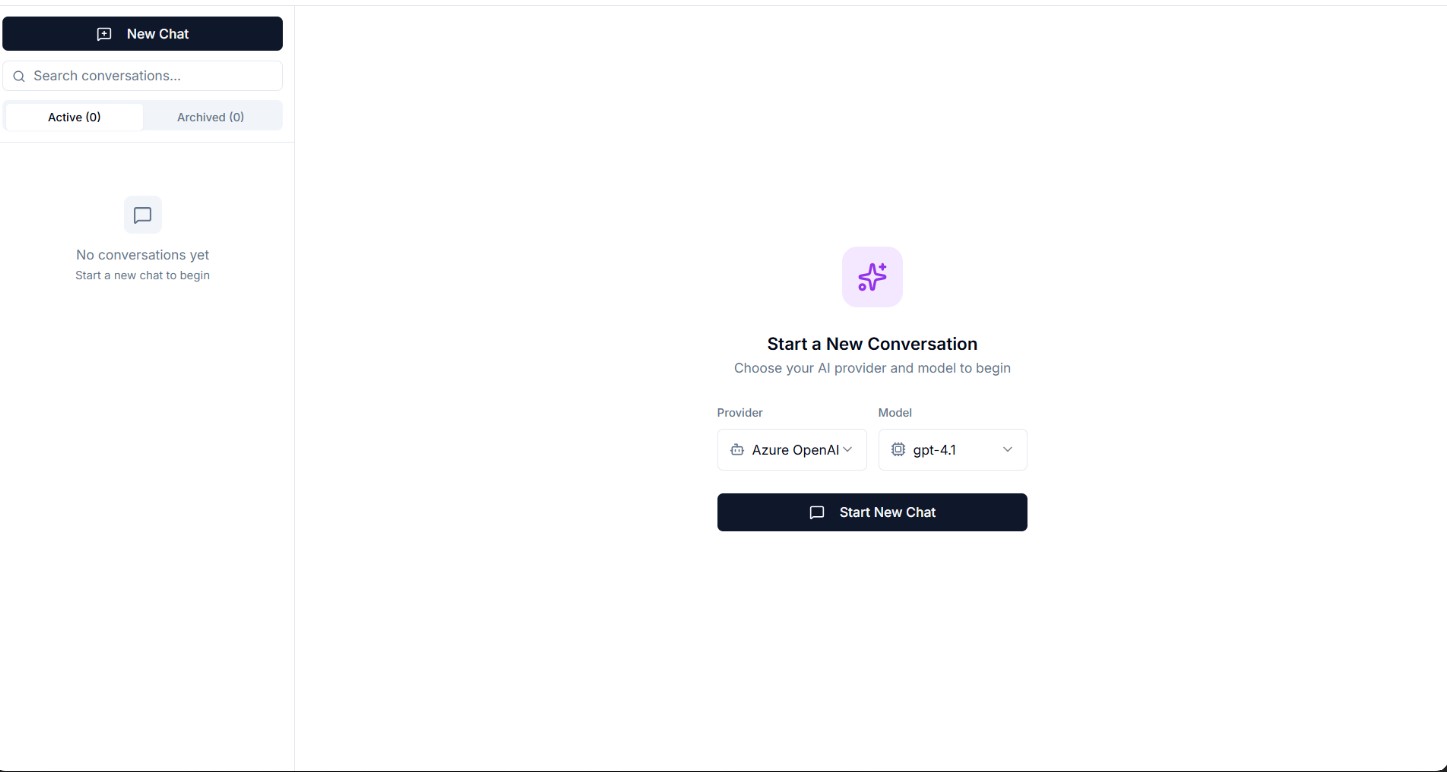
Starting a Conversation
Click "New Chat" to begin. Select your preferred AI provider and model from the dropdown.
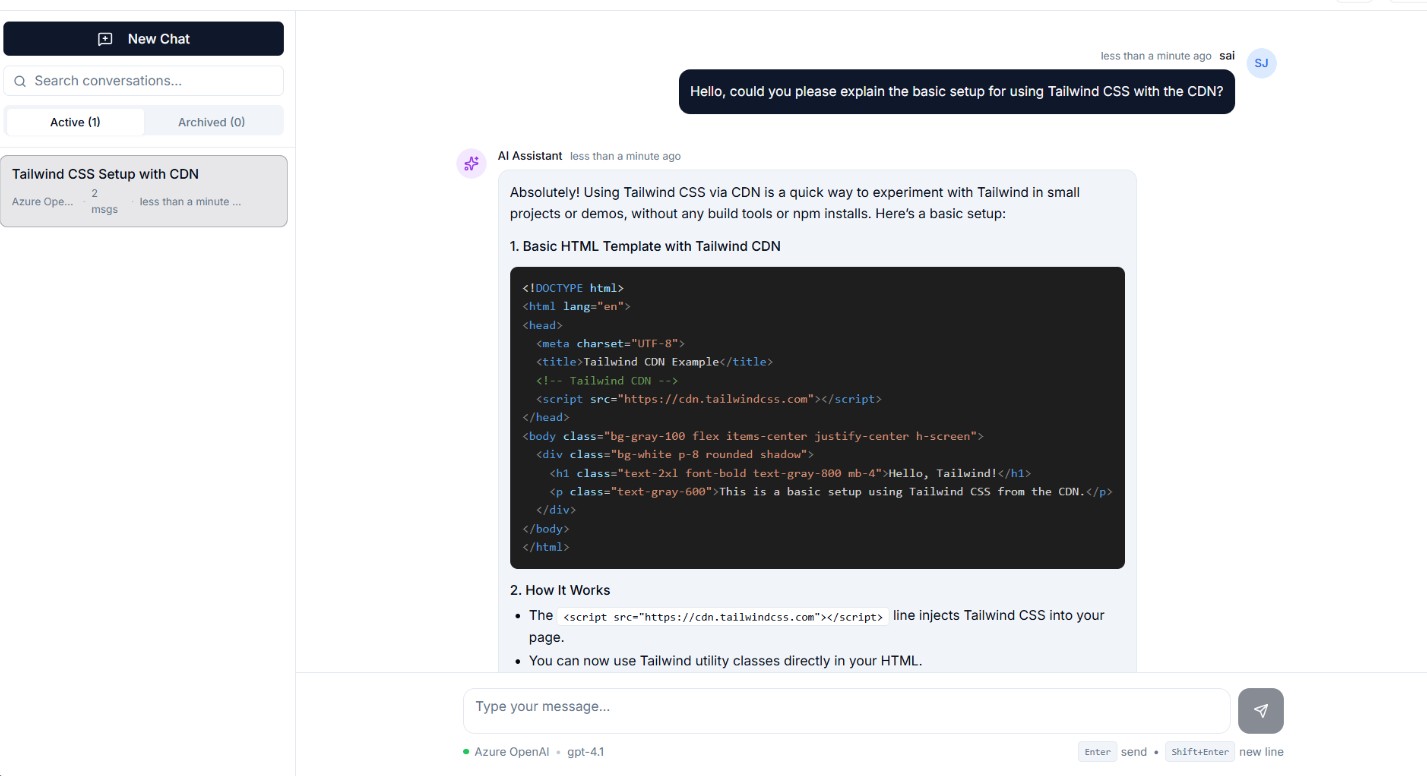
Available Providers & Models
Your organization admin configures which AI providers are available. Common providers include OpenAI, Google Gemini, and Groq.
Managing Conversations
- Rename — Click the conversation title to rename
- Archive — Move old conversations to archive
- Delete — Permanently remove a conversation
Sharing Conversations
Share a conversation with others using the share button. Shared conversations are read-only for recipients.
Tips for Effective Use
- Be specific in your prompts
- Provide context about your testing framework
- Ask follow-up questions to refine answers
- Use code blocks in your messages for better formatting