Settings & Profile
Manage your account settings, profile information, and appearance preferences.
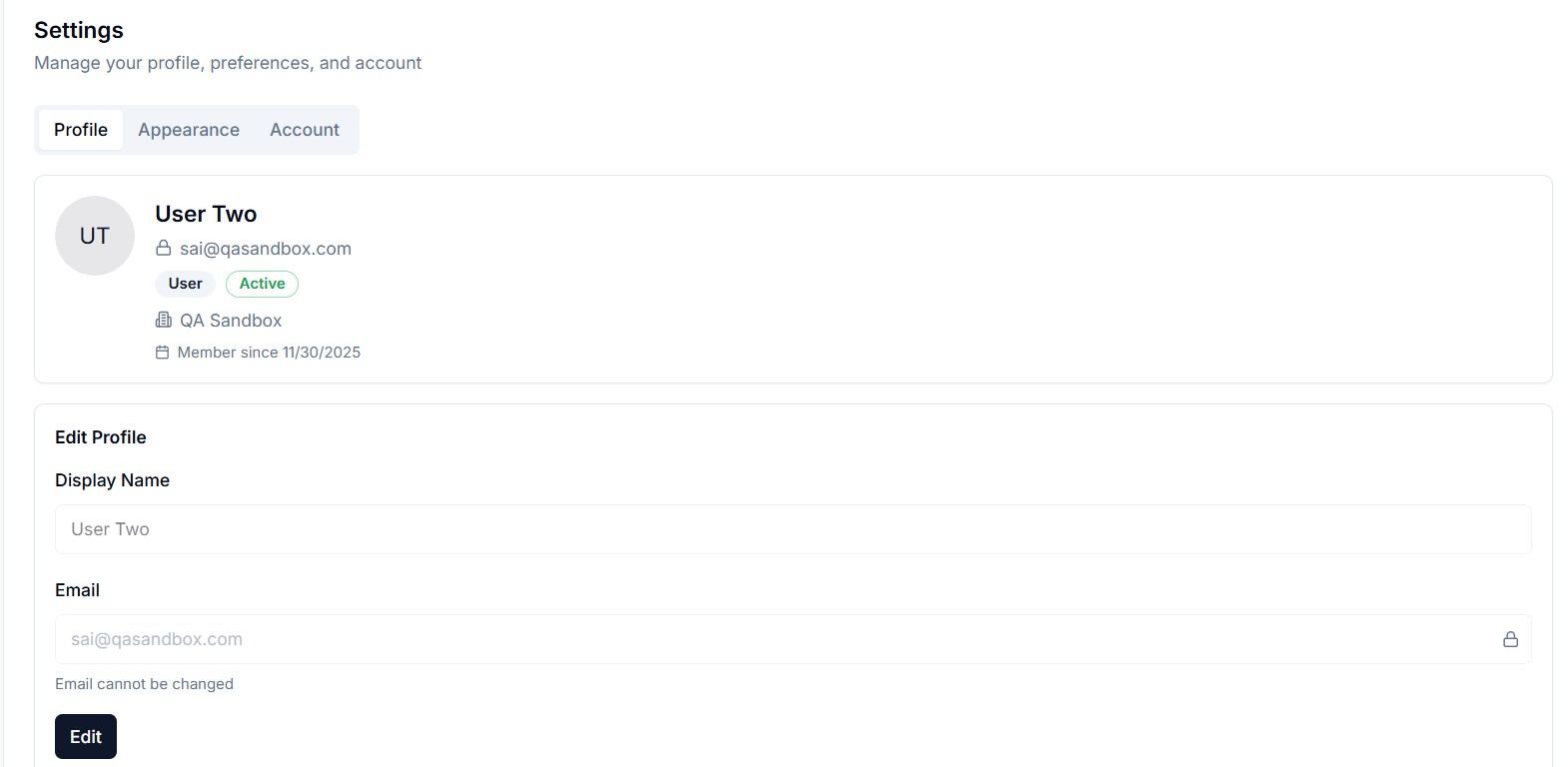
Profile Tab
Update your personal information:
- Display name
- Avatar / profile picture
- Bio (if available)
Appearance Tab
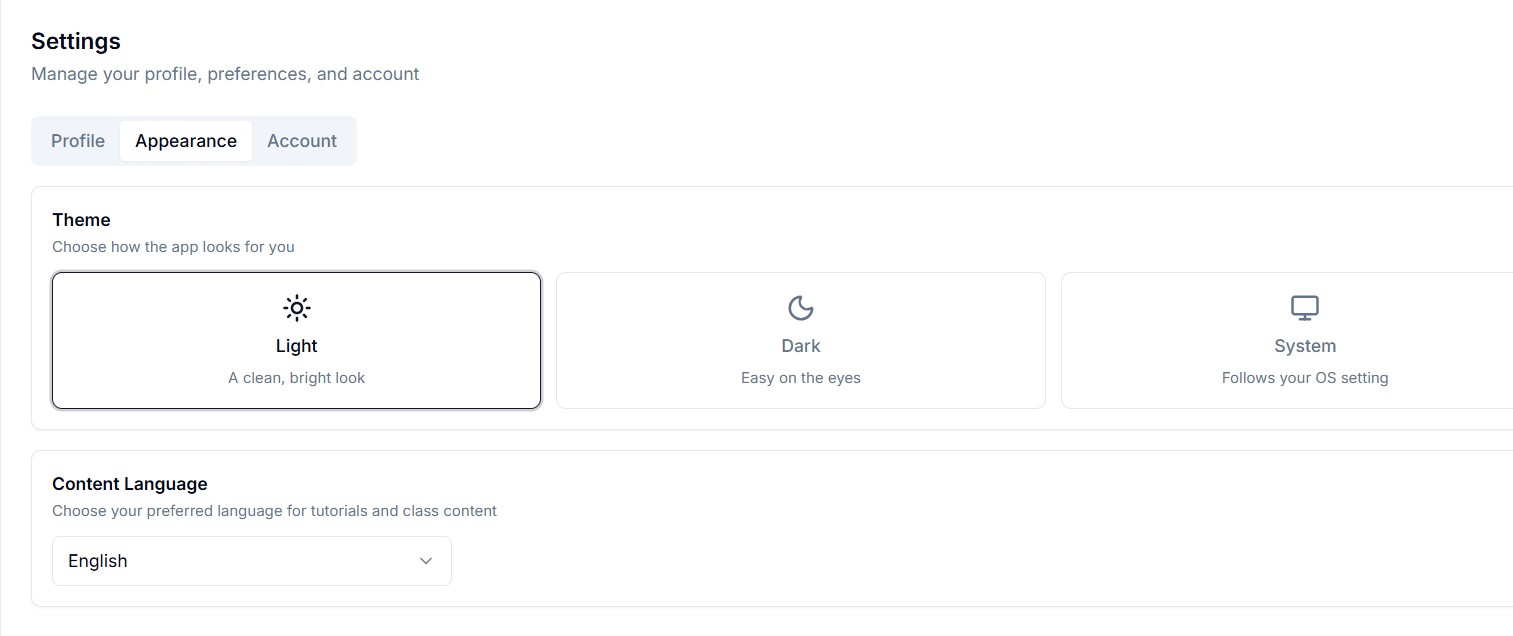
Customize the look and feel:
- Light mode — Clean, bright interface
- Dark mode — Easy on the eyes for long sessions
- System — Follows your OS preference
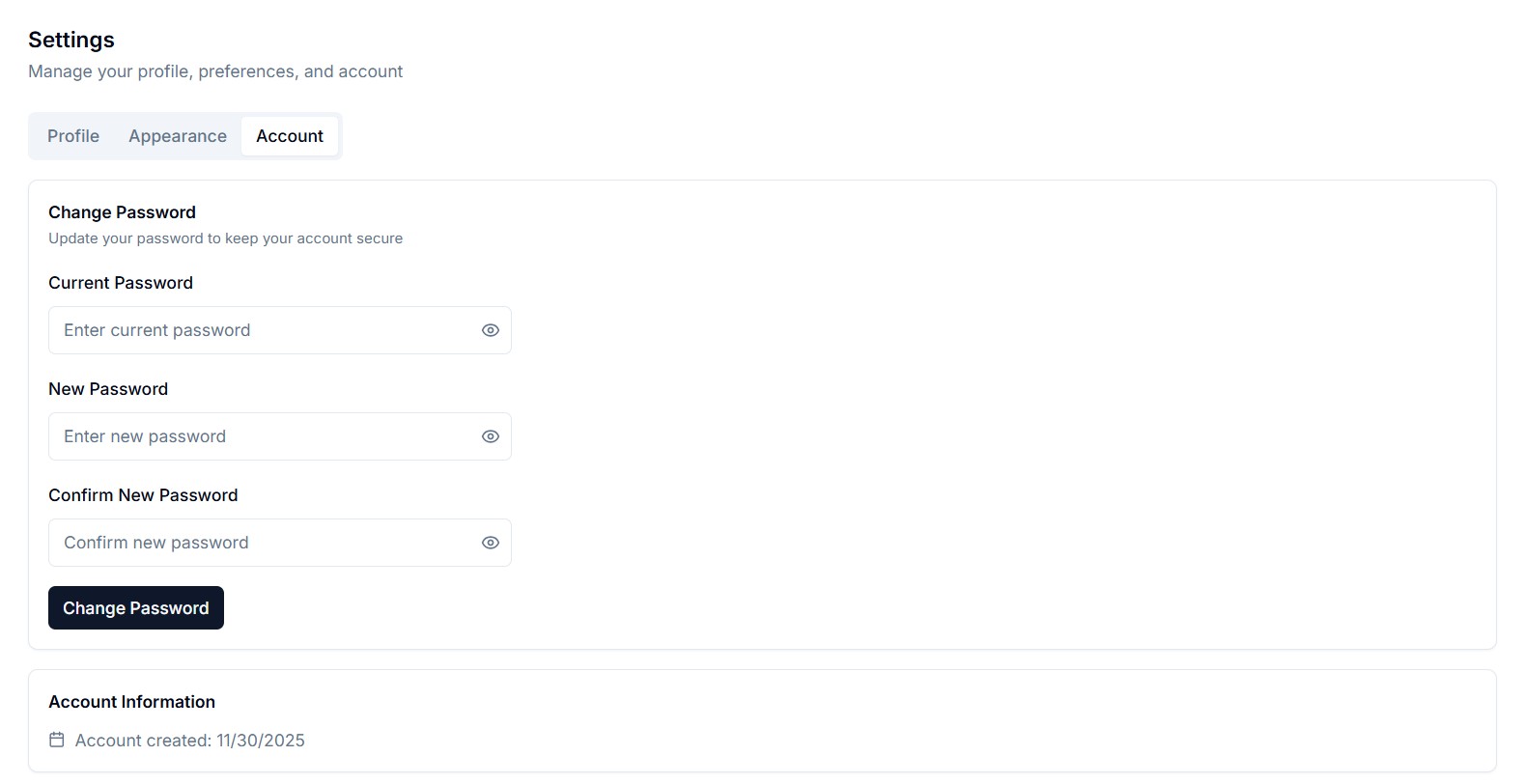
Account Tab
- Change password
- View account details (email, role, organization)
- Account status information