Classes & Assignments
The Classes system provides structured learning paths with assignments, progress tracking, and certificates.
Note: Classes & Assignments is a feature-gated capability. Your organization admin must enable it.
My Classes
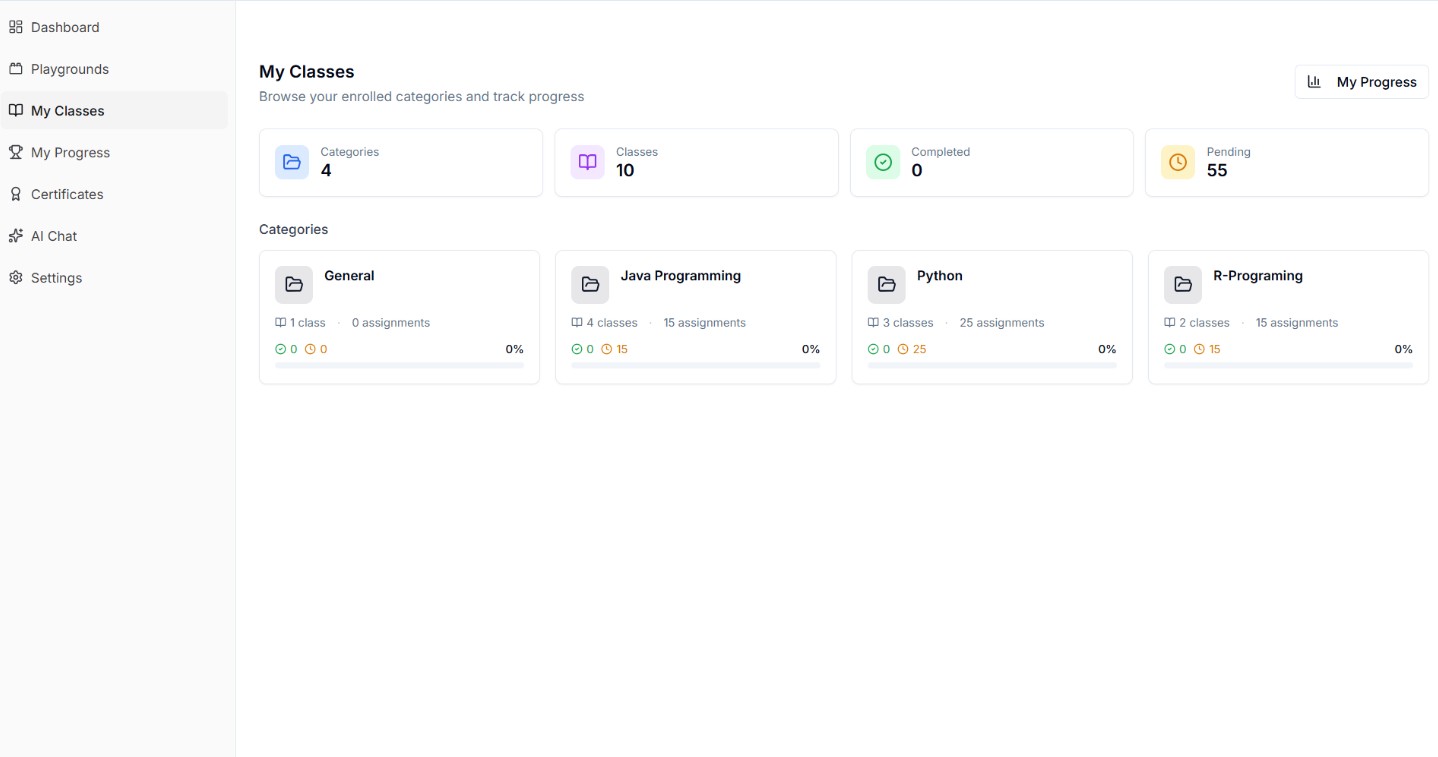
View all classes you're enrolled in. Each class card shows:
- Class name and description
- Number of assignments
- Your completion progress
- Category badge
Joining a Class
Classes are assigned by your organization admin. You may be auto-enrolled via a user group, or manually added by an admin.
Class View
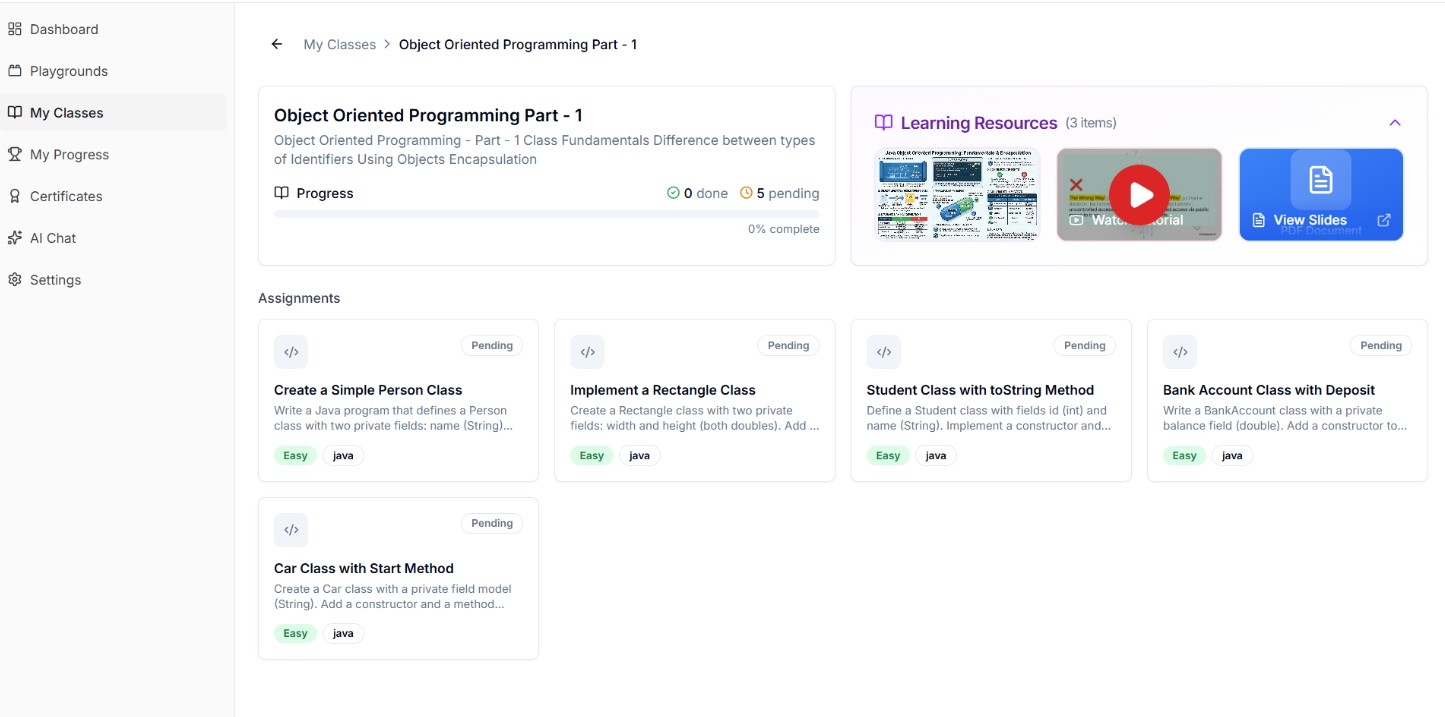
Inside a class, you'll see:
- Class description and details
- List of assignments organized by category
- Your progress per assignment (Not Started / In Progress / Completed)
- Overall class completion percentage
Category View
Browse assignments grouped by category within a class.
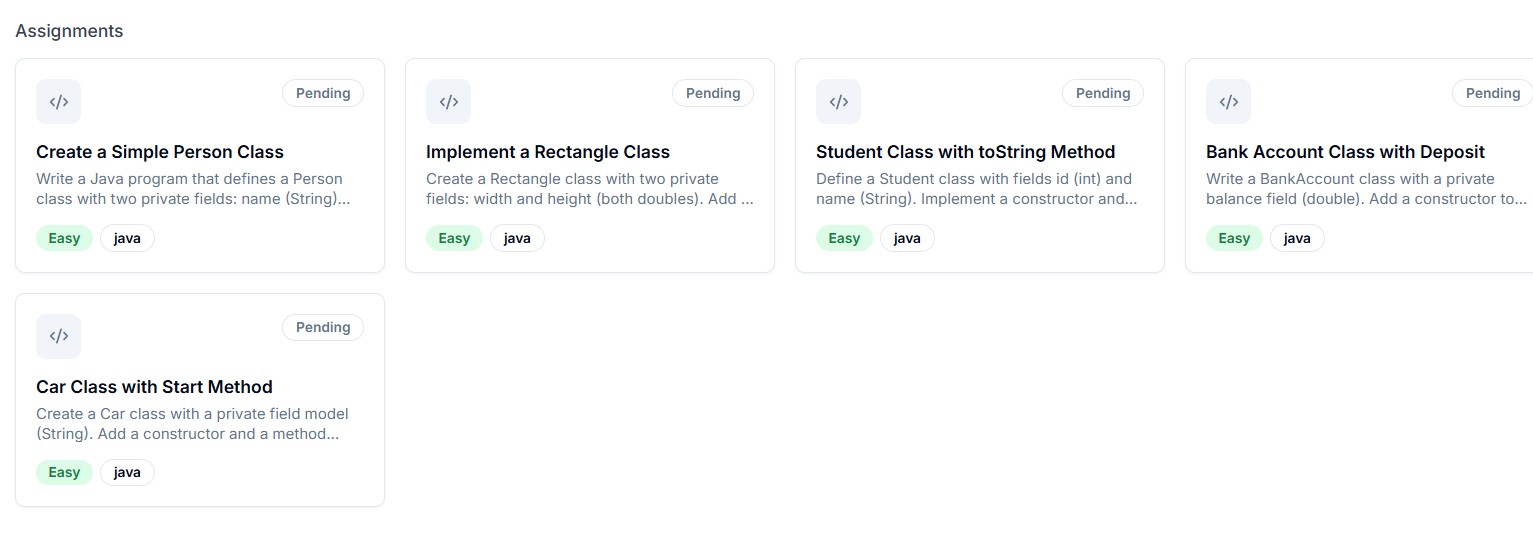
Starting an Assignment
Click on any assignment to open the coding workspace.
My Progress
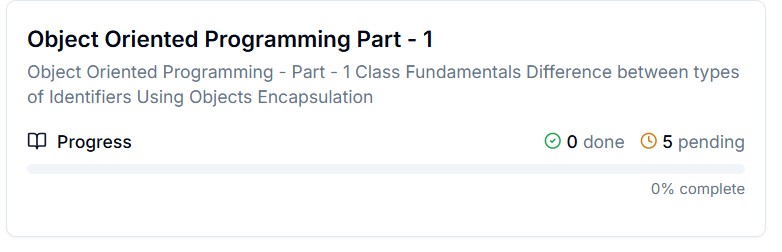
Track your overall learning progress:
- Assignments completed vs total
- Time spent
- Scores and grades
My Certificates
Earn certificates upon completing all assignments in a class. Download or share your certificates.