Using a Playground
Once you launch a playground, you enter a full-screen IDE environment.
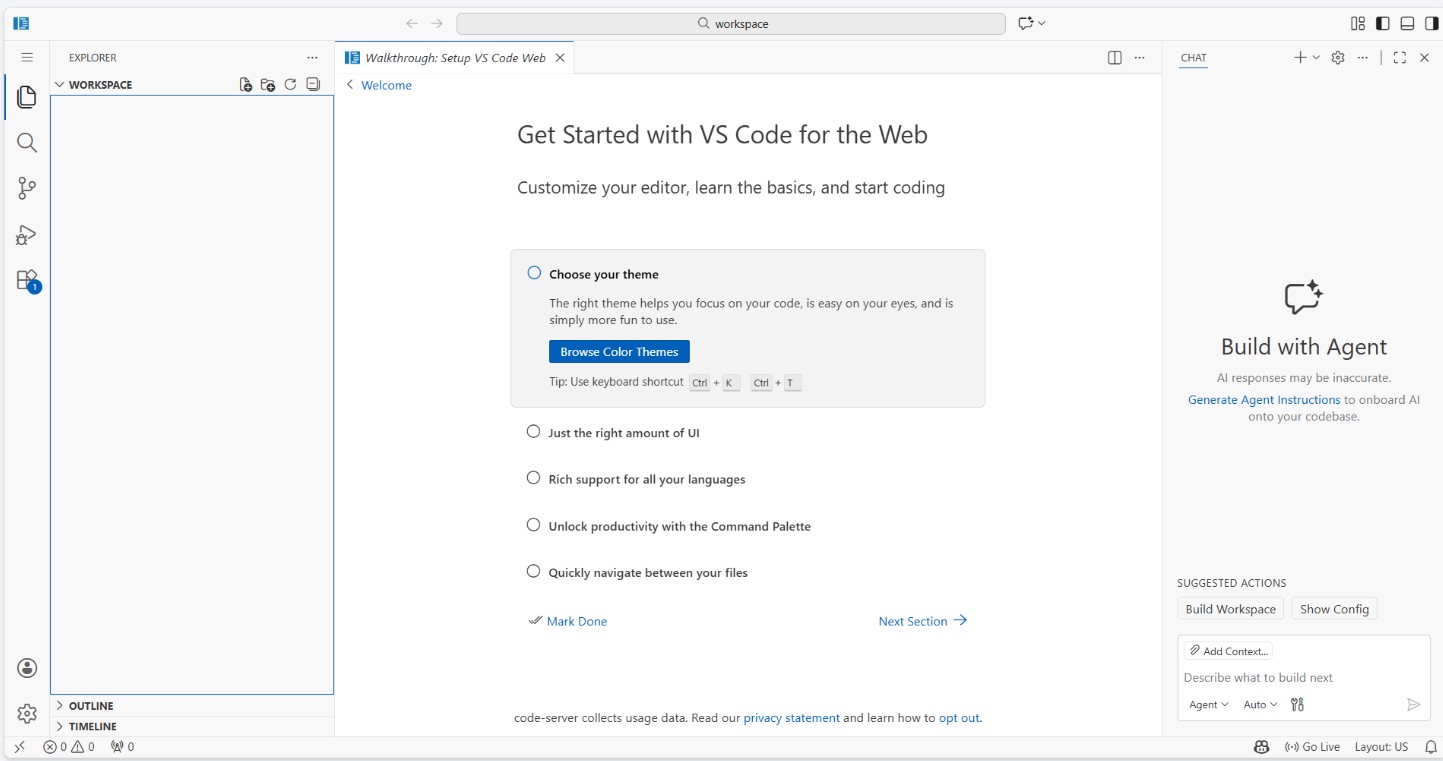
IDE Layout
- Main area — Code editor or embedded application
- Task sidebar — Step-by-step tasks and instructions (if available)
- Documentation panel — Reference docs for the playground tool
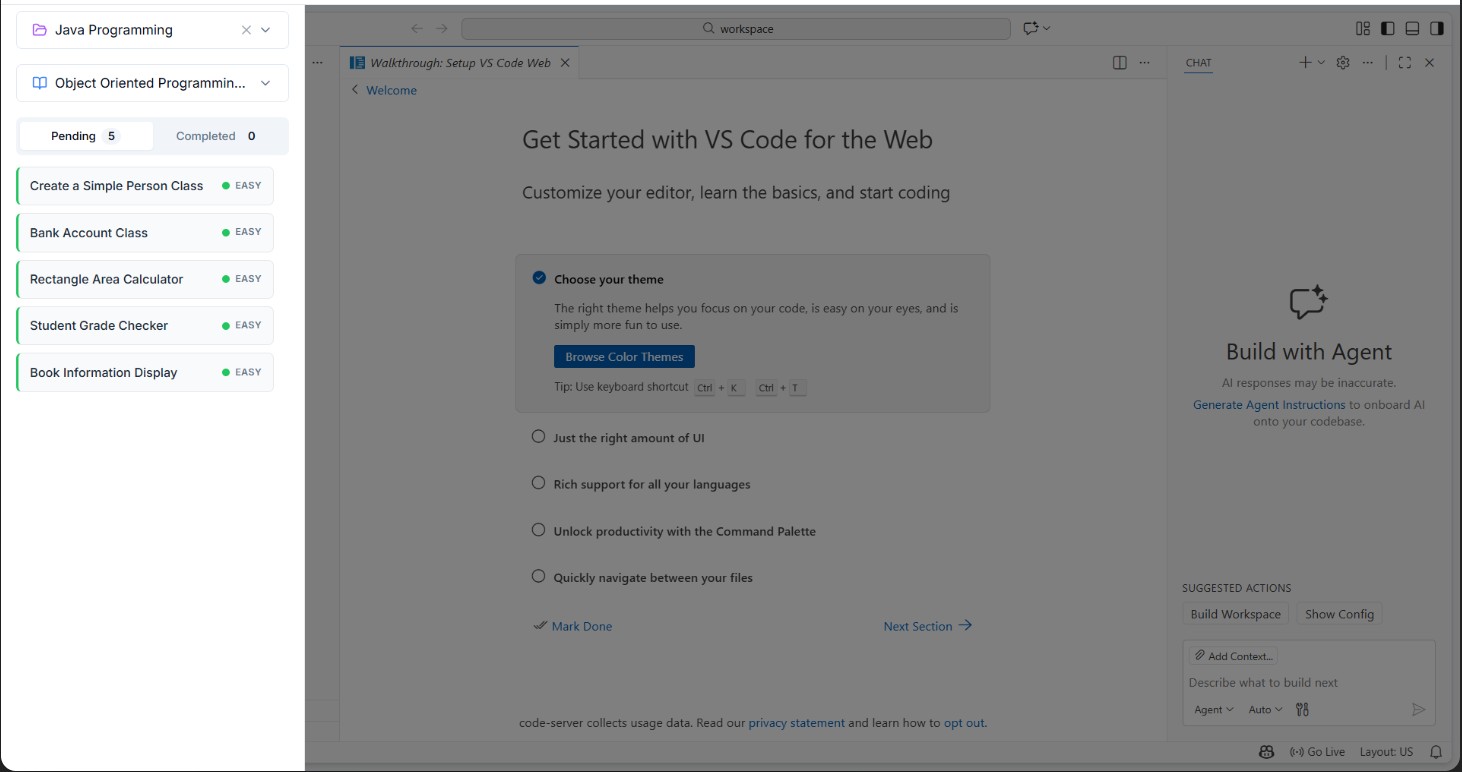
Documentation Panel
Each playground includes relevant documentation. Access it via the docs icon in the toolbar.
Exiting a Playground
Click the back arrow or close button to return to the playground browser. Your session state may be preserved depending on the playground type.