Managing Users & Groups
Manage your organization's users, groups, and access permissions.
User Management

Viewing Users
The users page shows all organization members in a searchable, sortable table with:
- Name, email, role
- Status (Active/Inactive/Pending Verification)
- Last login date
- Actions
Inviting Users
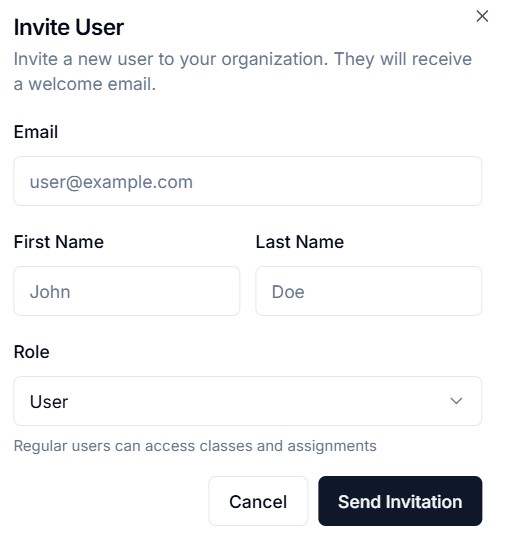
Click "Invite User" to add new members:
- Enter email address
- Select role (User or Admin)
- User receives a "Set Password" email
User Actions
- Edit — Update user details and role
- Promote/Demote — Change between User and Admin roles
- Activate/Deactivate — Enable or disable account access
- Resend Verification — Re-send email verification link
- Bulk Actions — Select multiple users for batch operations
User Detail View
Click a user to see their full profile:
- Account information
- Class enrollments
- Assignment progress
- Activity history
User Groups
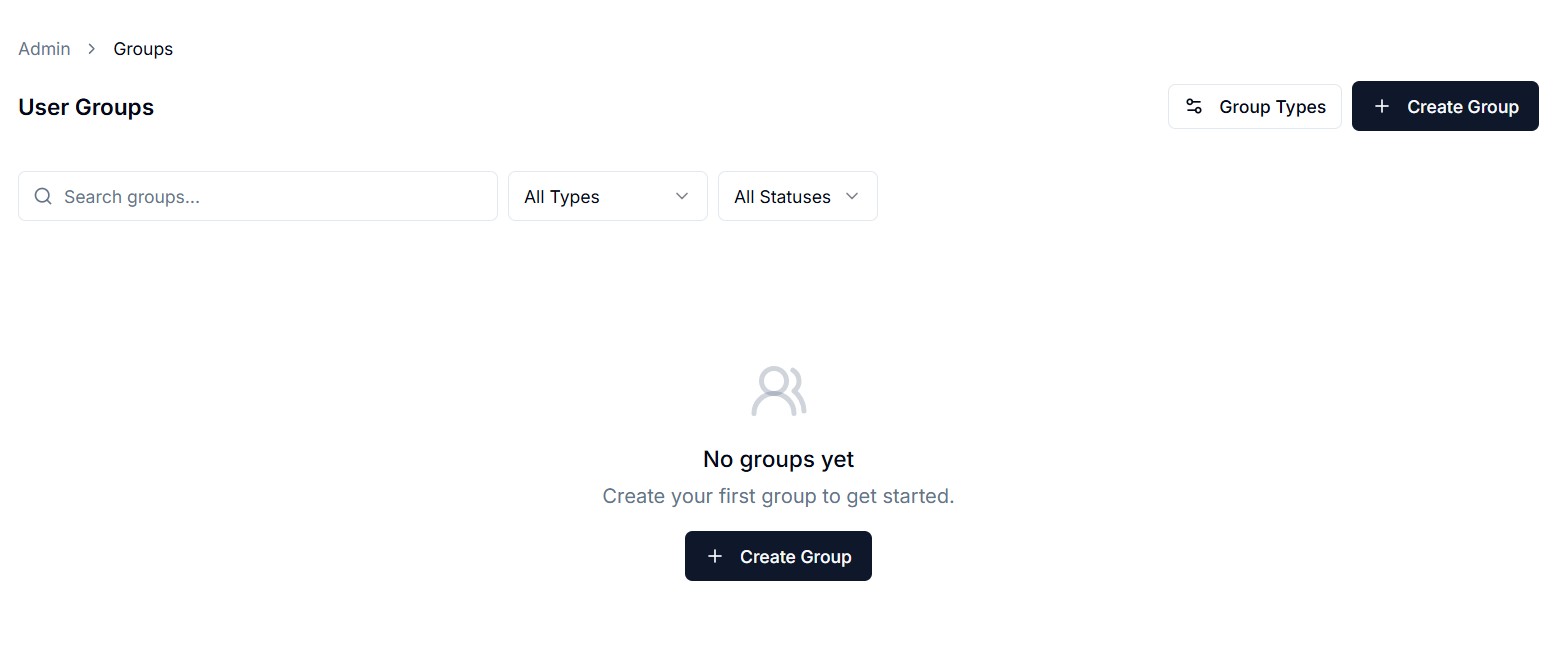
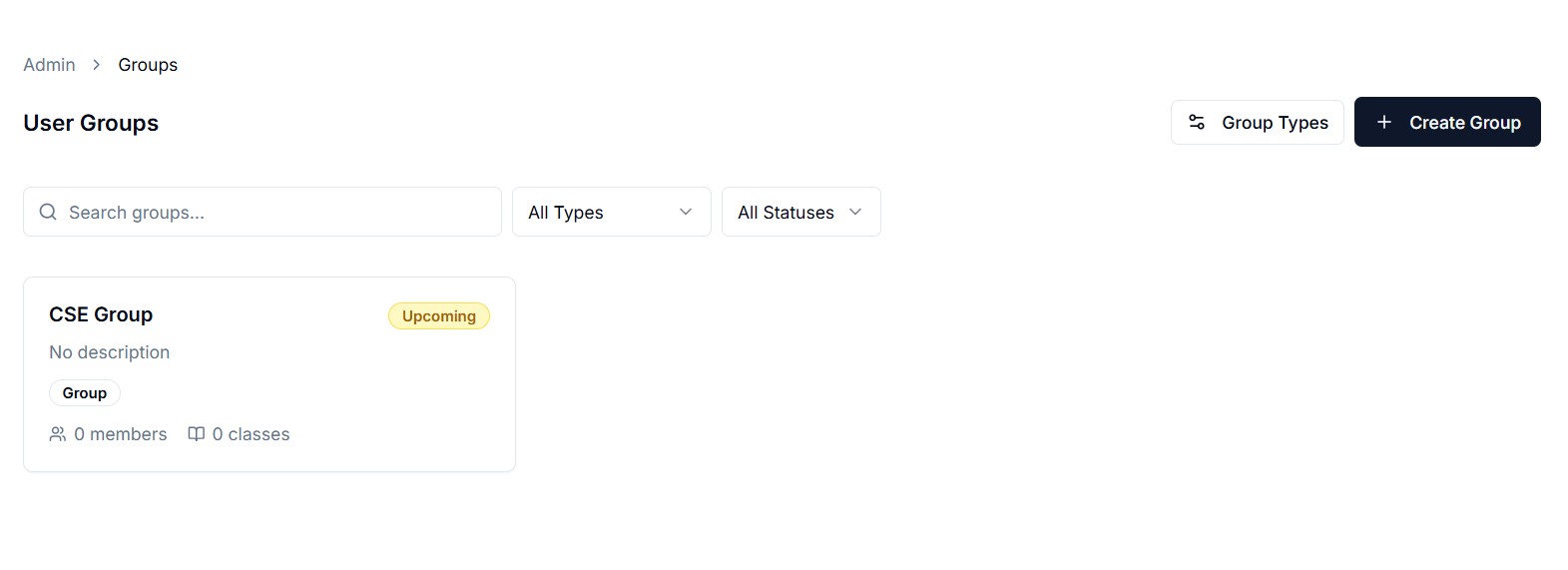
Groups let you organize users and bulk-enroll them in classes.
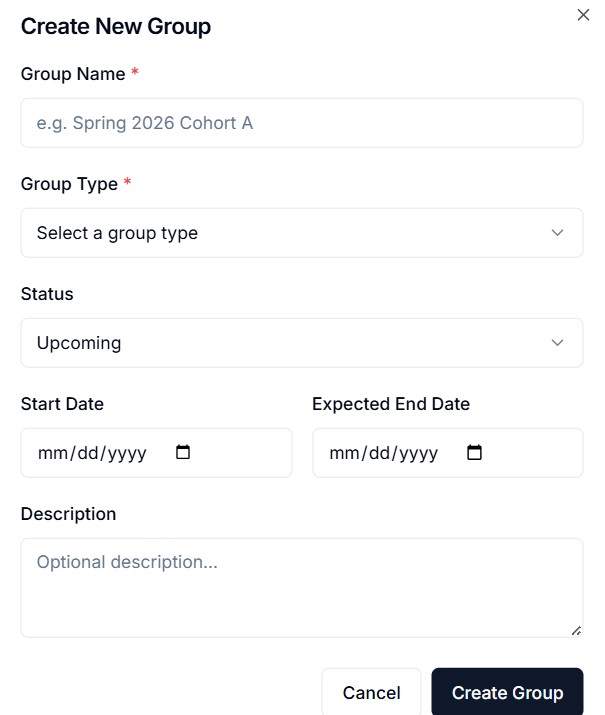
Creating a Group
- Group name and description
- Add users to the group
- Assign classes to the group (all group members get enrolled)
Group Detail
View group members, assigned classes, and manage enrollment.
Group Enrollment Links
Each group can have a subscribe link. New users who sign up via this link are automatically added to the group and enrolled in its classes.
Statistics
Tenant Stats
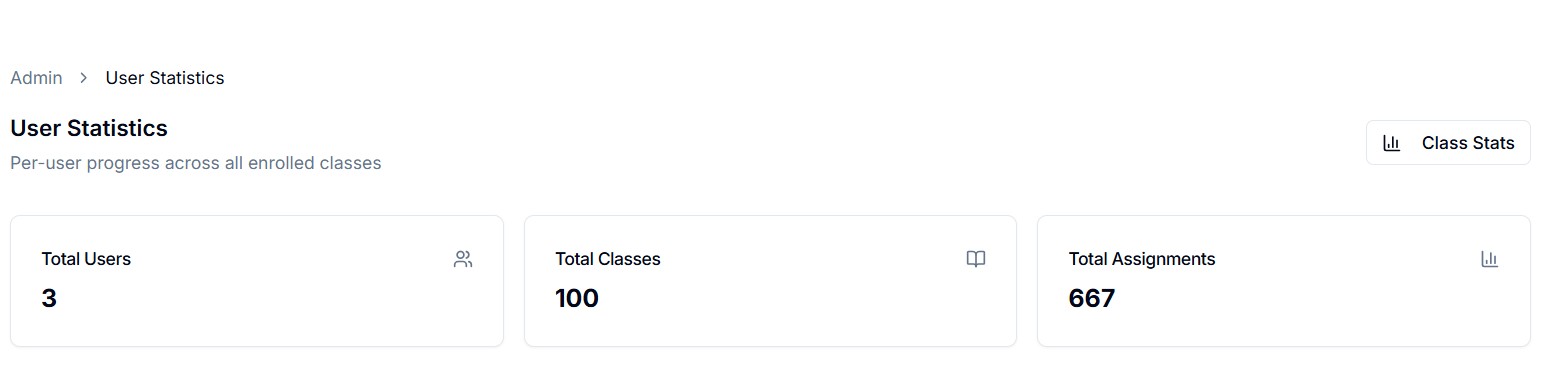
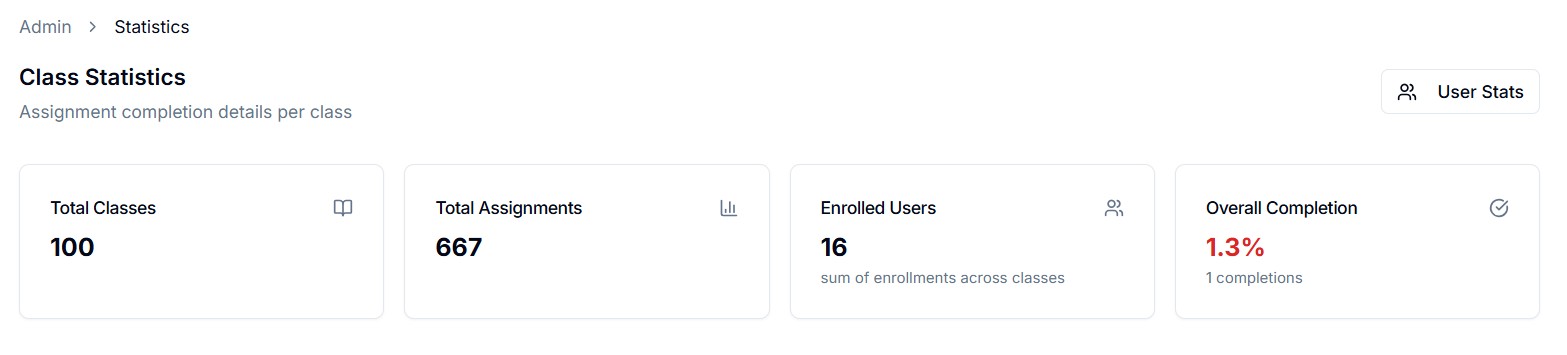
Organization-wide metrics:
- User registration trends
- Class completion rates
- Assignment submission analytics
- Active user counts over time
User Progress Analytics
Drill down into individual user progress:
- Assignments completed per user
- Average scores
- Time spent in coding workspace