Getting Started with LearnCen
What is LearnCen?
LearnCenis a cloud-based learning platform for QA engineers, developers, and students. Practice automation, API testing, performance testing, AI-assisted coding, and more — all from your browser.
Key Features
- 15+ cloud workspaces — C, C++, Java,Python,Nodejs, Playwright, k6, Git, Linux and more
- AI Chat with multiple providers and models
- Classes & Assignments system with coding workspace
- Organization management for teams and institutions
Quick Start
- Create your account (or use an organization invite link)
- Verify your email
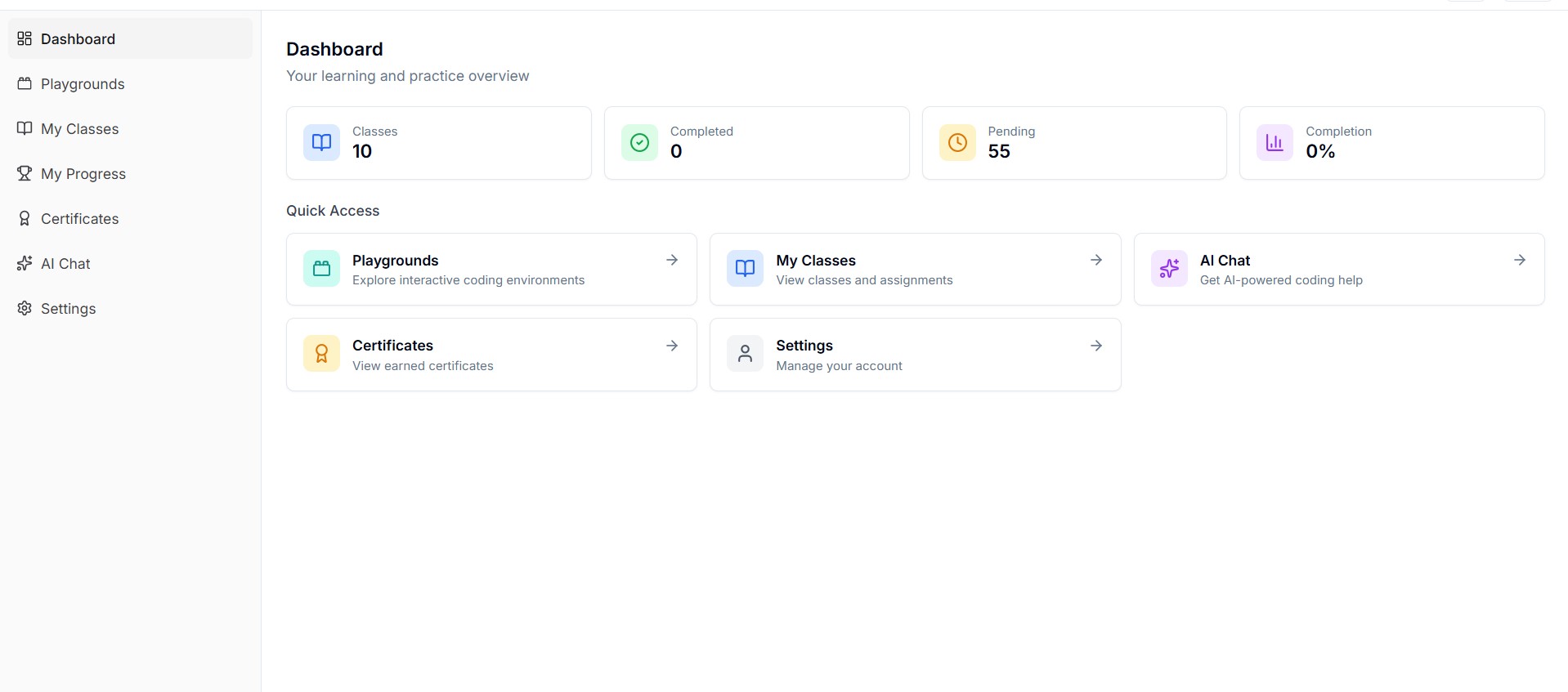
- Log in and explore the dashboard
- Browse workspaces and launch your first workspace
- (Optional) Join a class if you have a class enrollment link
Navigation Overview
- Dashboard — Your home page with stats and quick links
- Playgrounds — Browse and launch testing environments
- Learn — Classes, assignments, and progress (if enabled)
- AI Chat — AI-assisted conversations (if enabled)
- Settings — Profile, appearance, and account management
Roles
- User — Access playgrounds, classes, AI chat
- Organization Admin — Manage users, classes, assignments within an org
- Super Admin — Platform-wide management (internal)
Need Help?
Contact your organization admin or reach out via the Contact page.!
:book-open: