Managing Classes & Assignments
Create and manage classes, assignments, categories, and leverage the template library.
Class Management
Creating a Class
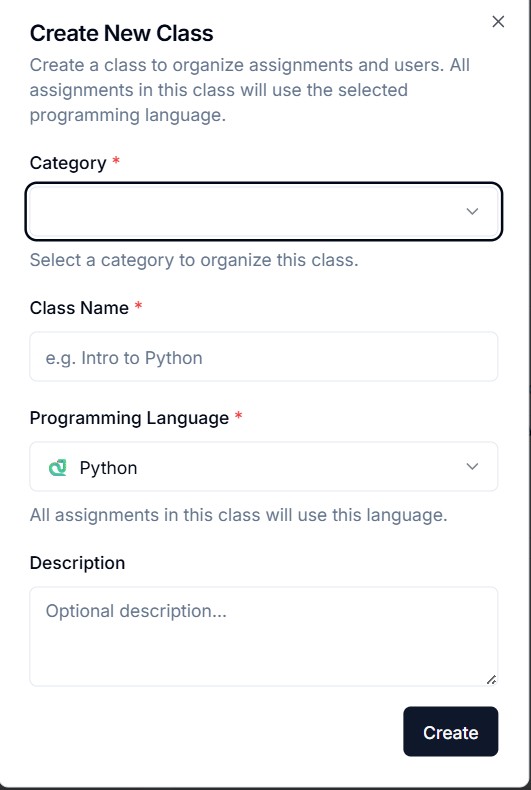
Click "Create Class" and fill in:
- Class name
- Description
- Category
- Status (Active/Archived)
Class Actions
- Edit — Update class details
- Archive — Hide from students without deleting
- Delete — Permanently remove (with confirmation)
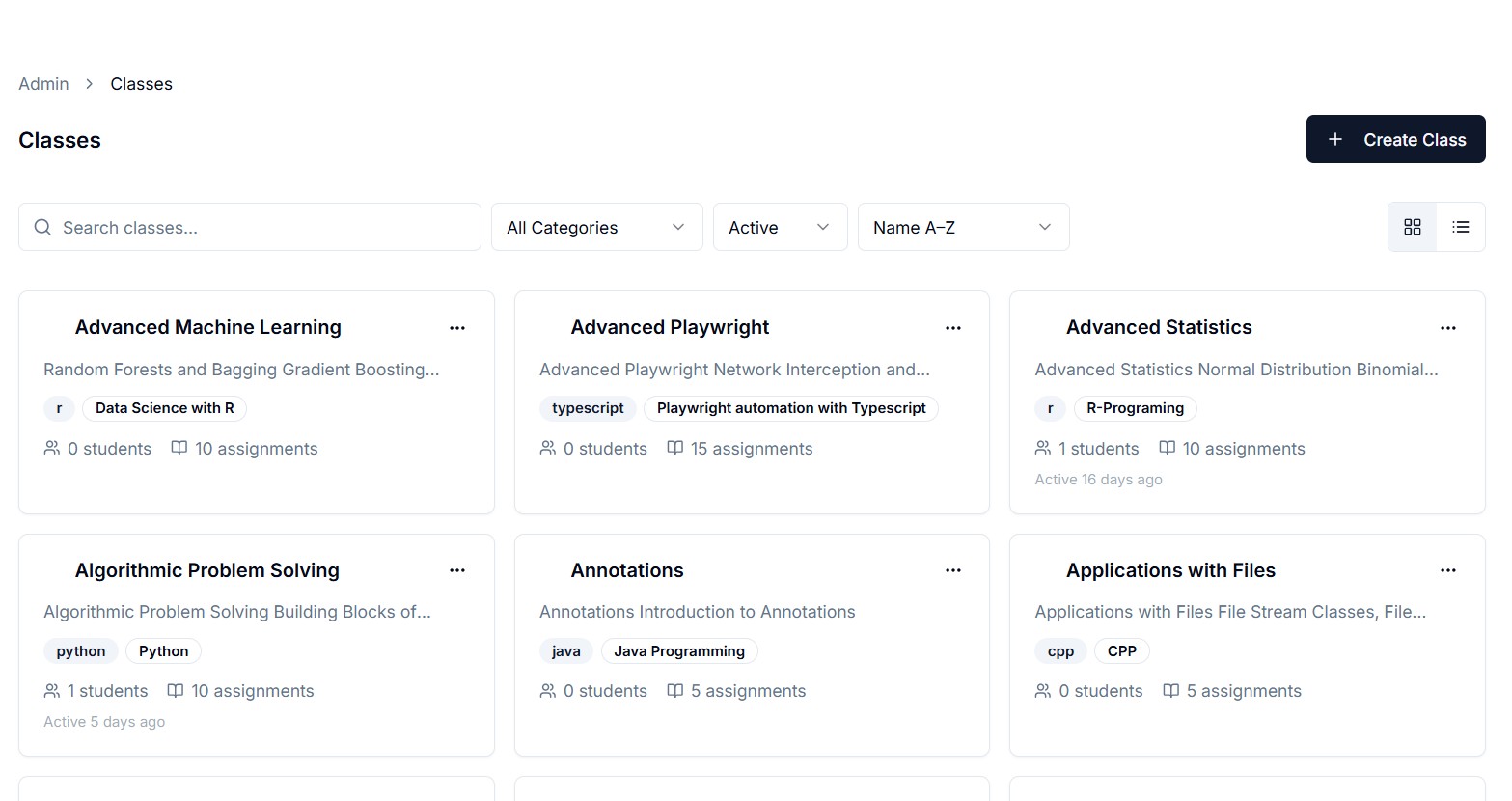
- Bulk actions — Select multiple classes for batch operations
View Modes
Switch between grid view (cards) and table view (compact list).
Assignment Management
Creating an Assignment
Inside a class, click "New Assignment":
- Title and description (Markdown supported)
- Programming language
- Starter code template
- Test cases (visible and hidden)
- Points/scoring
Test Cases
Define test cases with:
- Input data
- Expected output
- Visibility (visible to students or hidden)
- Points per test case
Editing Assignments
Click any assignment to edit. Changes are saved and immediately reflected for students.
Category Management
Organize classes into categories:
- Create, rename, reorder categories
- Assign classes to categories
- Categories appear in the student's class browser
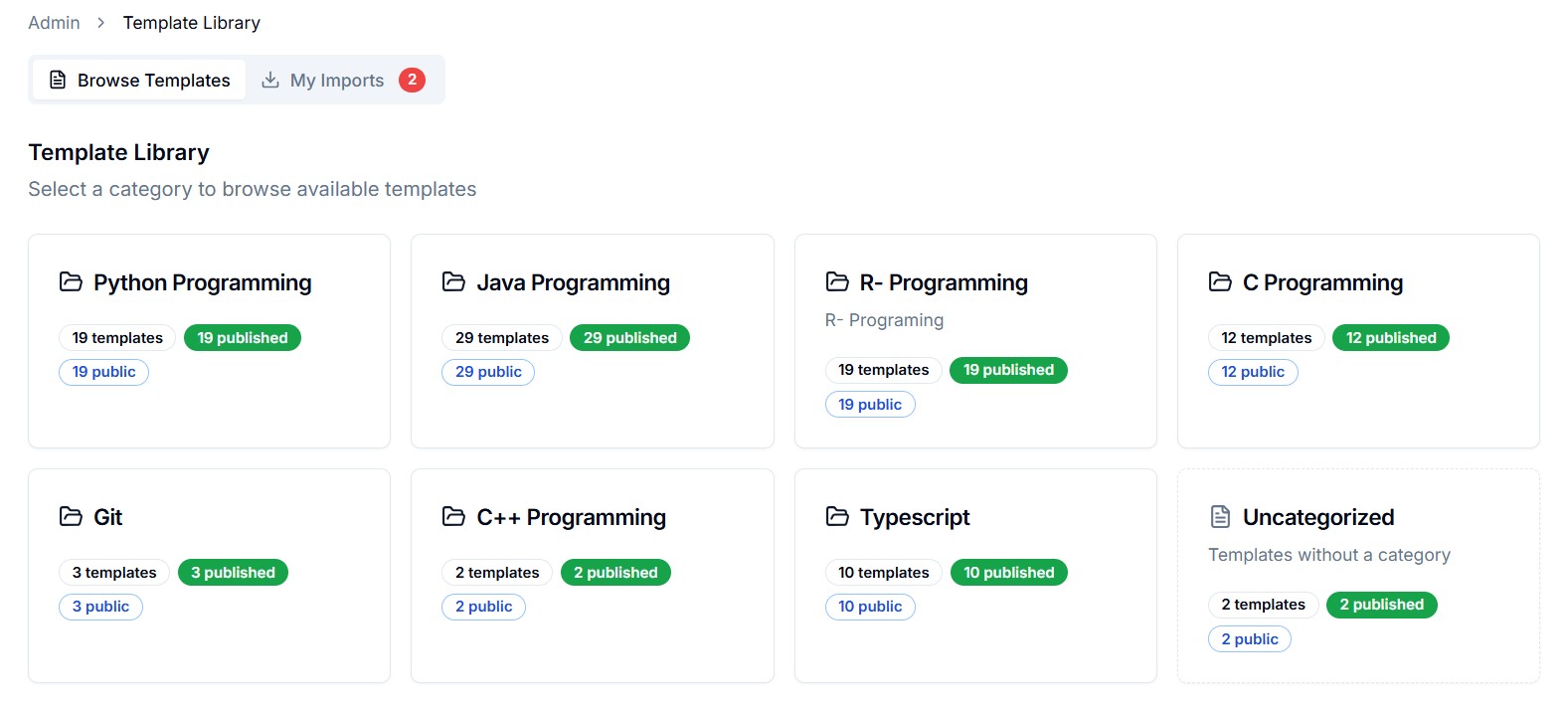
Template Library
Browse pre-built assignment templates:
- Browse — Filter by language, difficulty, topic
- Preview — See the full template before importing
- Import — Add a template to your class as a new assignment